 HooMap
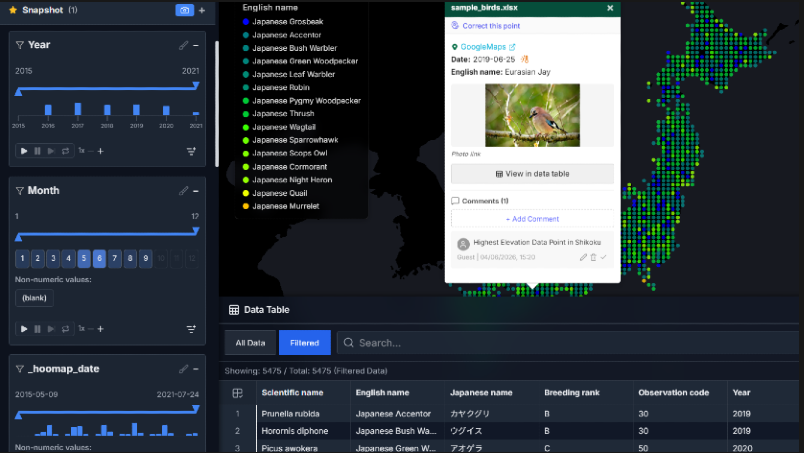
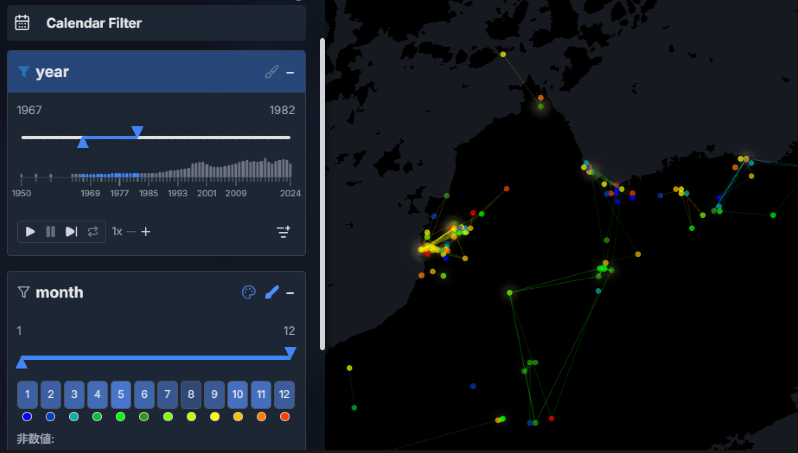
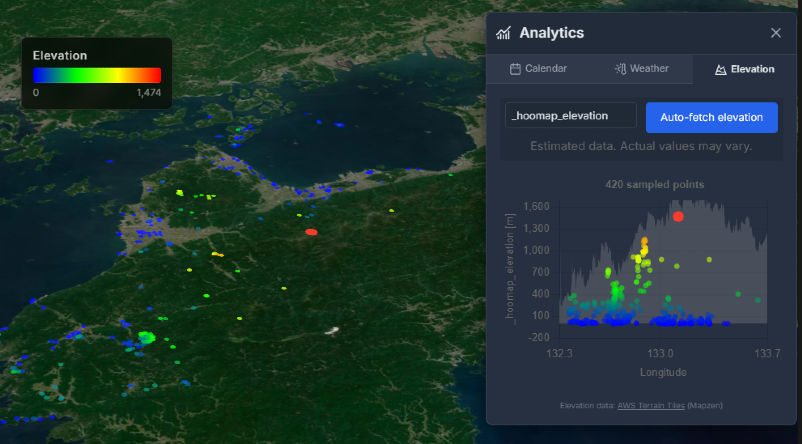
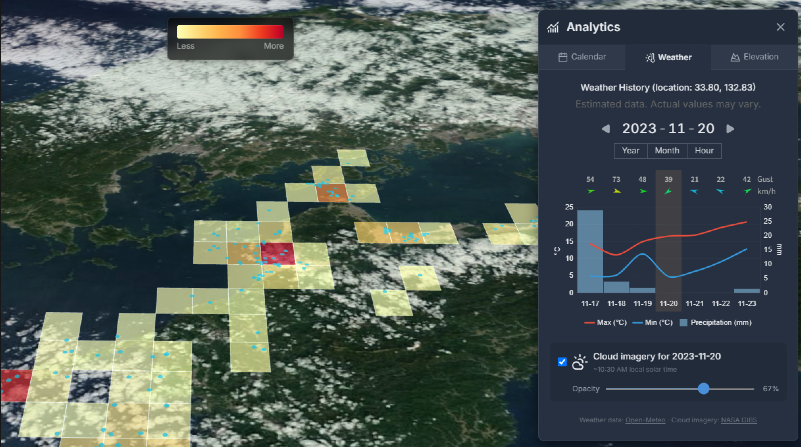
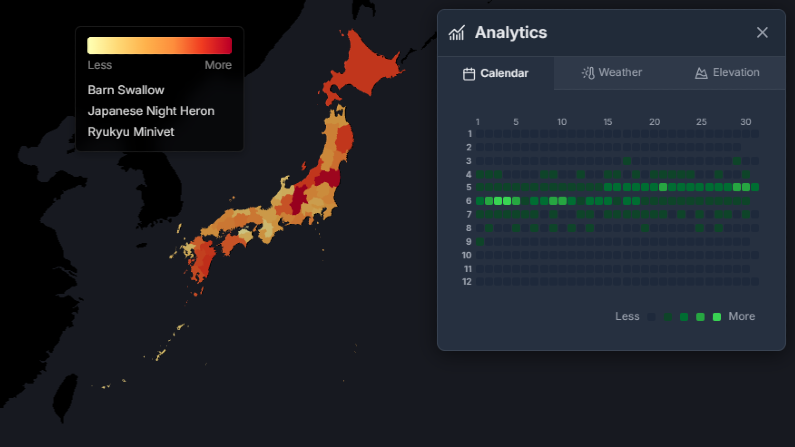
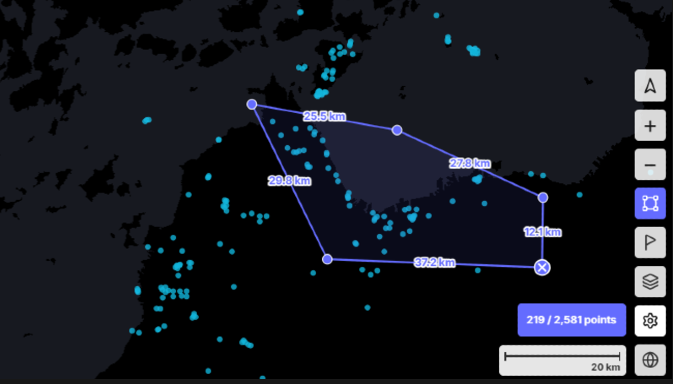
Create interactive maps from CSV and Excel files in seconds. Great for presentations, academic talks, and creating figures. No install. No cloud. Everything stays private in your browser.
No complex GIS tools needed to visualize your coordinates.
Start for free, upgrade when you need more
Try it out, no strings attached
🌱 1% of your payment contributes to CO₂ removal.
Bulk user registration, priority support, and more. Contact us for a quote.
Yes. Core features like map rendering and filtering are available for free without an account. However, some features like editing and export are limited. See the comparison table above for details.
HooMap supports CSV and Excel files only. Free users can load up to 500 rows. The Pro plan has no hard limits, but performance varies by device and browser (recommended: up to 50MB file size, ~1M rows).
No. All data is processed and stored entirely on your device. Nothing is sent to a server. Pro users can save project files to their local computer using the built-in save function. Your data stays private.
No. All core features are available on the Free plan so you can try them out. Upgrade to Pro only when you're satisfied.
Yes. You can cancel renewal or change your plan anytime from your profile page. After canceling, you'll keep access to Pro features until the end of your current billing period (pro-rated refunds are not available).
It's pronounced "whoo-map." The name is inspired by the call of an owl and the excitement of discovery.
Masayoshi Kamioki is a software engineer based in Australia with a background in ornithology and IT. With over 20 years of experience in wildlife field surveys and data analysis across Japan and abroad, he recognized the need for a tool that makes mapping and visualizing observational data simple for everyone, and built HooMap. HooMap's mission is to help people discover new insights from their data and share those discoveries with a wider audience.
Just upload a file with coordinates.